How To Schedule Posts Across Multiple Social Media Accounts
Managing multiple social media accounts can feel like juggling flaming torches whilst riding a unicycle. We look at ways to make it easy to manage for your business.
Managing multiple social media accounts can feel like juggling flaming torches whilst riding a unicycle. Post at the wrong time, miss a platform, or forget to engage with your audience, and your carefully crafted social media strategy can quickly fall apart. The solution isn't working harder or hiring a team of social media managers, it's working smarter by learning how to schedule posts across multiple social media accounts effectively.
For businesses serious about their online presence, scheduling isn't just a convenience, it's a necessity. When you're trying to maintain consistent visibility across Facebook, Twitter, Instagram, LinkedIn, and TikTok, the manual approach becomes impossible. You end up either burning out or letting platforms go silent, and both scenarios damage your brand's credibility and reach.
The good news is that with the right approach and tools, you can maintain an active, engaging presence across all your social platforms without spending your entire day glued to your phone or computer. Here's how to build a scheduling system that actually works for your business.
Understanding Your Platform Requirements
Each social media platform operates on its own rhythm, and trying to use the same content and timing across all platforms is like wearing the same outfit to a business meeting and a beach party. It might work, but it's far from optimal.
Instagram thrives on visual storytelling and tends to see higher engagement during lunch hours and evenings. LinkedIn's professional audience is most active during business hours, particularly Tuesday through Thursday. Twitter moves at lightning speed, meaning you can post multiple times per day without seeming pushy, whilst Facebook's algorithm favours less frequent, higher-quality posts that generate meaningful conversations.
Understanding these nuances means you're not just broadcasting the same message everywhere. You're tailoring your approach to each platform's unique culture and user behaviour patterns.
Create a platform-specific content calendar that accounts for optimal posting times, content formats, and engagement styles for each social network you're managing.
Choosing the Right Scheduling Platform
The foundation of effective social media scheduling lies in selecting a management platform that can handle your specific needs without overcomplicating your workflow. The market offers several robust options, each with distinct advantages.
Hootsuite remains one of the most comprehensive platforms, allowing you to manage multiple accounts across various networks from a single dashboard. Its strength lies in its extensive integration options and team collaboration features, making it ideal for businesses with multiple people managing social media responsibilities.
Want more insights like this?
Join thousands of marketers getting weekly tips and strategies.
Buffer takes a more streamlined approach, focusing on simplicity and ease of use. Its clean interface makes scheduling straightforward, and its analytics provide clear insights into post performance without overwhelming you with data.
Later excels particularly for visual platforms like Instagram and Pinterest, offering a visual content calendar that lets you see how your feed will look before posts go live. This visual planning approach is invaluable for maintaining aesthetic consistency.
For businesses already embedded in the Meta ecosystem, Meta Business Suite provides native scheduling for Facebook and Instagram without additional cost, though with more limited features compared to third-party alternatives.
Start with a free trial of 2-3 different platforms to test which interface and feature set aligns best with your workflow before committing to a paid plan.
Building Your Content Calendar Strategy
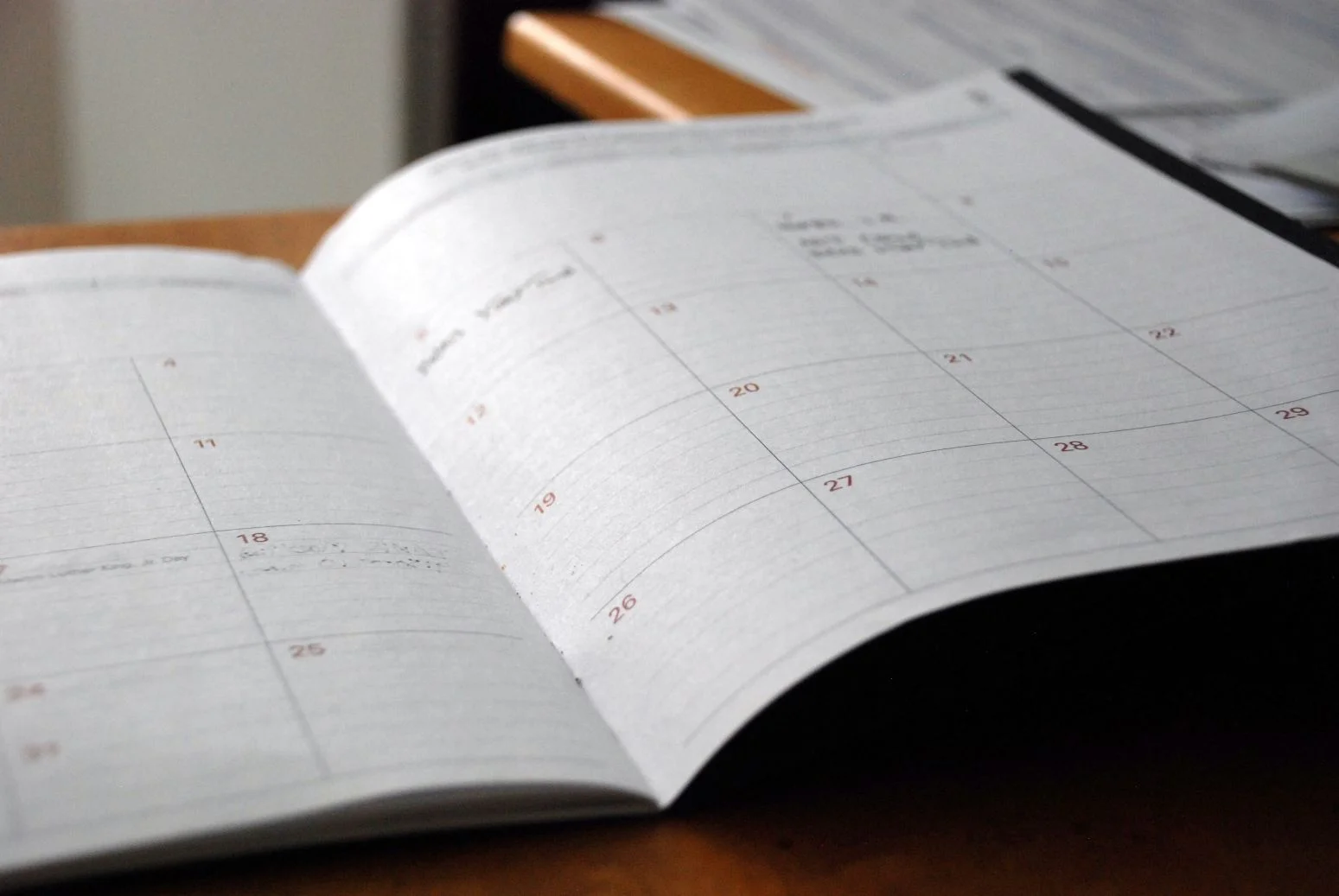
A content calendar isn't just a schedule, it's your strategic blueprint for maintaining consistent, valuable communication with your audience. The most effective calendars balance planned content with flexibility for real-time engagement and trending topics.
Start by mapping out your key business dates, industry events, and seasonal moments that matter to your audience. These anchor points give structure to your content planning and ensure you're always prepared for important moments in your business calendar.
Then layer in your regular content themes. Perhaps Mondays are for motivational content, Wednesdays for behind-the-scenes glimpses, and Fridays for community highlights. This thematic approach makes content creation more efficient whilst giving your audience a sense of what to expect from your brand.
The key is maintaining roughly 80% planned content and 20% space for spontaneous posts, trending topics, or timely responses to industry news. This balance keeps your content fresh and responsive whilst ensuring you never scramble for something to post.
Plan your content themes monthly but schedule posts weekly, allowing you to adjust messaging based on current events, audience responses, or business developments.
Optimising Posting Times and Frequency
The question of when and how often to post has no universal answer, but there are strategic approaches that consistently deliver better results than posting randomly or copying what competitors are doing.
Most scheduling platforms provide analytics showing when your specific audience is most active, and this data is far more valuable than generic "best times to post" articles. Your audience might be night owls who engage most after 9 PM, or early risers who scroll social media with their morning coffee.
Frequency varies dramatically by platform and audience expectations. B2B companies might post once daily on LinkedIn but three times weekly on Facebook. E-commerce brands could share multiple Instagram stories daily whilst posting to their main feed every other day.
The critical factor isn't matching some ideal frequency, it's maintaining consistency. Your audience develops expectations about your posting rhythm, and erratic scheduling can hurt engagement more than posting slightly less frequently but predictably.
Use your scheduling platform's analytics to identify your top-performing post times over the past month, then build your posting schedule around these proven engagement windows.
Maintaining Authentic Engagement
Perhaps the biggest risk of scheduling posts across multiple social media accounts is losing the authentic, responsive voice that makes social media "social." Automation should handle the posting, but genuine engagement requires human attention.
Set aside specific times daily to respond to comments, join conversations, and engage with other accounts in your industry. This doesn't need to consume hours, but it does need to happen consistently. Even 15-20 minutes of genuine engagement often generates more meaningful results than perfectly crafted scheduled posts that receive no follow-up attention.
Consider using your scheduling platform's monitoring features to track mentions of your brand, relevant keywords, or industry discussions. This helps you stay responsive to conversations happening around your business, even when you're not actively scrolling through feeds.
Schedule your posts for optimal times, but plan your active engagement sessions for when you can give full attention to conversations and responses.
Learning how to schedule posts across multiple social media accounts effectively transforms social media from a time-consuming daily scramble into a strategic business function. The right combination of planning, tools, and authentic engagement creates a sustainable approach that grows your online presence without overwhelming your schedule. Start with one or two platforms, master your scheduling system, then gradually expand your reach as your process becomes second nature.
Ian
Ian has worked in Digital Marketing for decades, and is a Google Partner for Google Ads and an expert in onsite and technical SEO. He has worked with hundreds of clients, helping them achieve success online, through SEO, PPC and Digital Marketing, working with local businesses through to national retailers.
View all posts →Related Articles
How Facebook Can Drive Sales For Your Ecommerce Business
Facebook isn't just where your customers scroll through holiday photos and share memes. With over 2.9 billion active users globally, it's become one of the most powerful sales engines for ecommerce bu...
Best Platforms For Managing Social Media Advertising Campaigns
The best platforms for managing social media advertising campaigns don't just consolidate your workflow; they transform how you approach paid social strategy entirely.
The Content That Works Best For Your Business On Social Media
In the world of social media marketing, creating content that actually moves the needle for your business isn't about following every trend or copying what works for others.