
How To Reduce Shopping Cart Abandonment On Your Online Store
Shopping cart abandonment is one of the most frustrating challenges facing any online retailer. You have done the hard work of attracting visitors, they have browsed your products, added items to thei...
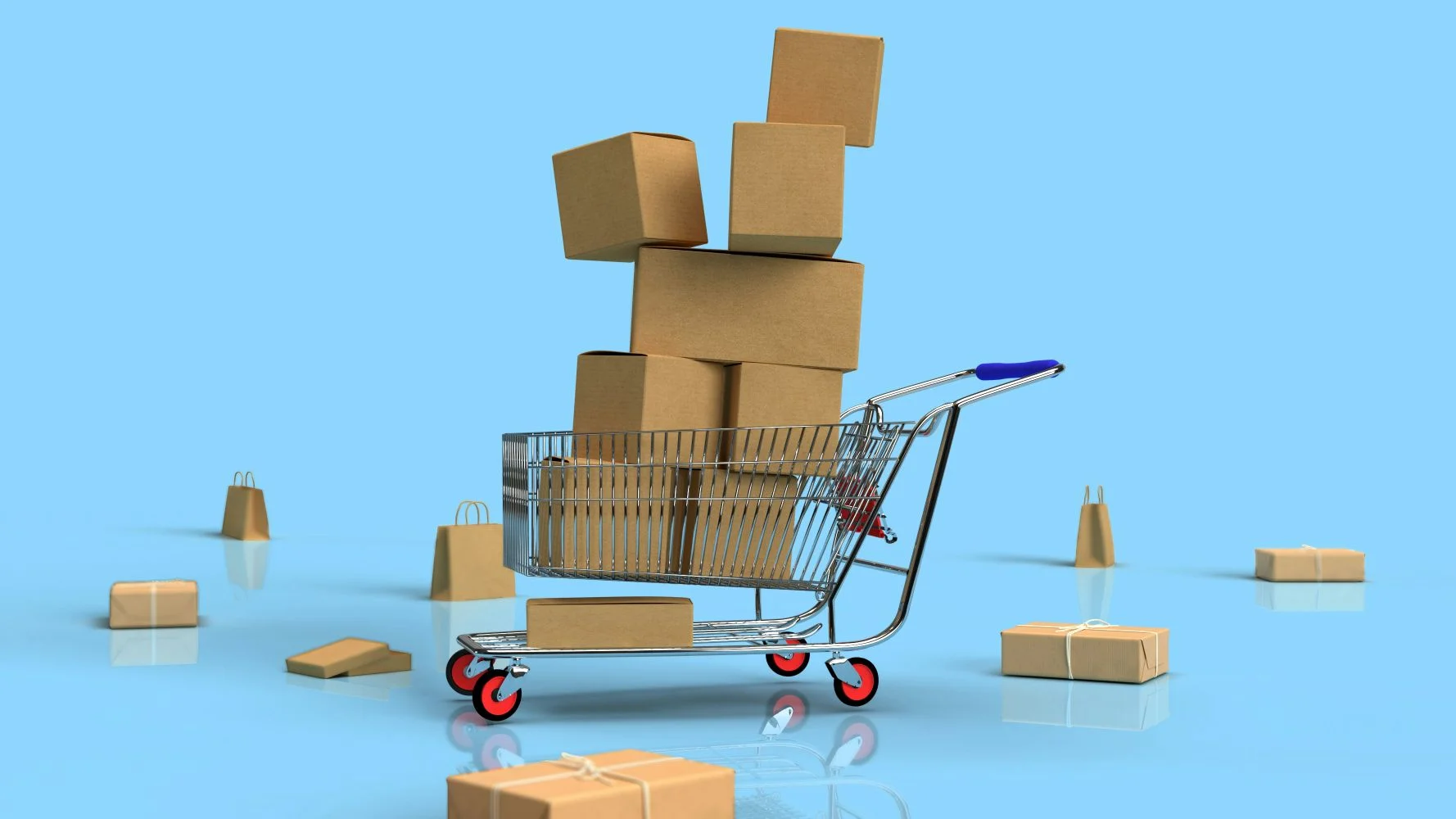
Shopping cart abandonment is one of the most frustrating challenges facing any online retailer. You have done the hard work of attracting visitors, they have browsed your products, added items to their basket, and then, at the very last moment, they leave without completing their purchase. Understanding why this happens and what you can do about it is essential if you want to turn your online store into a consistently profitable operation. The good news is that with the right strategies in place, reducing cart abandonment is entirely achievable, and the impact on your revenue can be significant.
Understanding Why Shoppers Abandon Their Carts
Before you can fix the problem, you need to understand what is causing it. Shoppers abandon their carts for a wide variety of reasons, and they rarely leave a note explaining why. Research from the Baymard Institute, which has studied checkout usability extensively, consistently highlights that unexpected costs, complicated checkout processes, and a lack of trust are among the leading causes. Someone might add five items to their basket, get to the checkout, see a delivery charge they were not expecting, and close the tab immediately. Others might be put off by being forced to create an account, or they might simply feel uncertain about handing over their payment details to a site they are not familiar with.
The point is that cart abandonment is rarely about a shopper changing their mind about wanting the product. More often than not, it is a friction point in your checkout process that is pushing them away, and that means it is something you can genuinely fix.
Be Transparent About All Costs From The Start
Nothing kills a sale faster than a surprise. If a customer spends time selecting products, gets excited about their purchase, and then reaches the checkout only to discover that taxes, delivery fees, or handling charges have added a substantial amount to their total, the likelihood of them completing the purchase drops considerably. This is one of the most common and most avoidable reasons for cart abandonment in online stores.
The solution here is straightforward: be upfront about all associated costs as early as possible in the shopping journey. Display estimated delivery costs on product pages, or at least offer a clear delivery cost calculator before the customer reaches the final checkout step. If you offer free delivery above a certain threshold, make that clearly visible throughout the site. Shoppers respond well to knowing exactly what they are going to pay before they commit.
Simplify Your Checkout Process
A checkout process that asks too much of the customer is a checkout process that will lose sales. Every additional step, every extra form field, every unnecessary click is an opportunity for a potential customer to reconsider and leave. Think about the last time you abandoned a purchase online. How many of those occasions were because the process felt laborious or overcomplicated?
Audit your checkout flow and be ruthless about what is truly necessary. You do not need a customer's date of birth to ship them a pair of trainers. Reduce the number of form fields to the absolute minimum required to complete the transaction. Offer a guest checkout option so that first-time buyers are not forced to create an account before they can purchase. Platforms like Shopify and WooCommerce both offer streamlined checkout configurations that you can optimise without needing a developer involved in every change.
Want more insights like this?
Join thousands of marketers getting weekly tips and strategies.
A single-page checkout, where customers can enter their details and complete payment without being redirected through multiple screens, is worth testing if your current setup involves several sequential steps.
Build Trust At Every Stage
Trust is everything in e-commerce. A shopper who does not feel confident that your store is legitimate, secure, or reliable will not hand over their payment details, regardless of how much they want the product. This is particularly true for smaller or newer online stores that have not yet built a recognisable brand reputation.
There are several ways to reinforce trust throughout the checkout process. Display security badges and SSL certificate indicators clearly, particularly near payment fields. Showcase genuine customer reviews and ratings, whether through a platform like Trustpilot or your own verified review system. Make your returns policy easy to find and easy to understand. A generous, clearly communicated returns policy removes a significant psychological barrier for shoppers who are on the fence about committing to a purchase.
Contact information matters too. A physical address, a phone number, and a visible customer service email or live chat option all contribute to a sense of legitimacy. Shoppers want to know that if something goes wrong, there is a real business behind the website that they can reach.
Offer Multiple Payment Options
Not everyone wants to pay in the same way, and if your checkout only supports a limited range of payment methods, you will inevitably lose customers who prefer alternatives. Accepting major credit and debit cards is a given, but the landscape of payment preferences has broadened considerably. PayPal remains hugely popular because it allows shoppers to complete purchases without entering their card details on a new site. Apple Pay and Google Pay have made mobile checkouts significantly faster and more convenient. Buy now, pay later solutions like Klarna have also become an expectation for many shoppers, particularly for higher-value purchases.
Reviewing your payment options and expanding them where possible is a relatively low-effort change that can have a meaningful impact on your conversion rate. The easier you make it for someone to pay, the fewer reasons they have to leave.
Use Cart Abandonment Email Sequences
Even with the best checkout experience in the world, some shoppers will still leave before completing their purchase. Life gets in the way, distractions occur, and people genuinely intend to come back later but forget. A well-constructed cart abandonment email sequence gives you the opportunity to bring those customers back.
If a shopper has provided their email address at any point during the checkout process, an automated email reminding them of the items left in their basket can be highly effective. The first email should be sent within a few hours of abandonment and should be straightforward, friendly, and focused on reminding the customer what they left behind. A follow-up email a day or two later can introduce additional reassurance, such as highlighting your returns policy or customer reviews. If appropriate for your margins, a third email offering a small incentive can be the nudge that converts a hesitant shopper into a paying customer.
Tools like Mailchimp, Klaviyo, and the built-in automations within Shopify make setting up these sequences straightforward, and they are one of the most cost-effective ways to recover lost revenue from your online store.
Optimise For Mobile Shoppers
A growing proportion of online shopping now happens on mobile devices, yet many online stores still offer a checkout experience that feels clunky and difficult to navigate on a smaller screen. If your checkout forms are difficult to fill in on a phone, if buttons are too small to tap accurately, or if your site loads slowly on a mobile connection, you will lose mobile shoppers at a disproportionate rate.
Test your checkout process thoroughly on a range of mobile devices and be honest about the experience. Google's PageSpeed Insights tool can highlight performance issues that are impacting your mobile load times, which directly affects both user experience and your search rankings. A fast, responsive, and intuitive mobile checkout is no longer optional; it is a baseline expectation for shoppers.
Use Exit Intent Technology
Exit intent tools detect when a user's mouse or behaviour suggests they are about to leave the page and trigger a targeted message in response. On a checkout page, this might be a reminder about free delivery, a prompt to save their basket for later, or an offer of live chat assistance if they have a question. Used thoughtfully, exit intent prompts can recover a portion of visitors who would otherwise leave without purchasing.
Tools like OptinMonster and Justuno offer exit intent functionality that can be integrated with most major e-commerce platforms. The key is to make the prompt genuinely helpful rather than intrusive, and to test different messages to find what resonates with your specific audience.
Reducing Cart Abandonment Is An Ongoing Process
Learning how to reduce shopping cart abandonment on your online store is not a one-time exercise. It requires ongoing testing, analysis, and refinement. The stores that consistently improve their checkout conversion rates are the ones that treat this as a continuous priority rather than a task to be completed and forgotten. Start by auditing your current checkout experience from the perspective of a first-time shopper, identify the most obvious friction points, and address them methodically. Build trust, reduce complexity, offer flexibility in payment, and follow up with customers who leave before completing their purchase. Each of these steps individually will make a difference, and together they create a checkout experience that genuinely converts.
Ian
Ian has worked in Digital Marketing for decades, and is a Google Partner for Google Ads and an expert in onsite and technical SEO. He has worked with hundreds of clients, helping them achieve success online, through SEO, PPC and Digital Marketing, working with local businesses through to national retailers.
View all posts →Related Articles
Where To List Your Products For Sale To Gain More Customers
In today's competitive digital landscape, knowing where to list your products for sale to gain more customers can make the difference between a thriving business and one that struggles to find its aud...

Is Digital Marketing A Good Career
There are very few industries that have transformed as rapidly as digital marketing, and when it comes to career opportunities, I am a true believer that digital marketing offers one of the most dynam...
Is GA4 Really That Much Of An Improvement On The Previous Google Analytics
Google Analytics 4 has been with us for a while now, and yet the question still lingers in many marketers' minds: is GA4 really that much of an improvement on the previous Google Analytics? Having wor...