
How To Use AI Tools To Create Social Media Content Without Losing Your Voice
Artificial intelligence has changed the way content is created, and social media is no exception. From generating captions to drafting entire content calendars, tools like ChatGPT, Jasper, and Copy.ai...
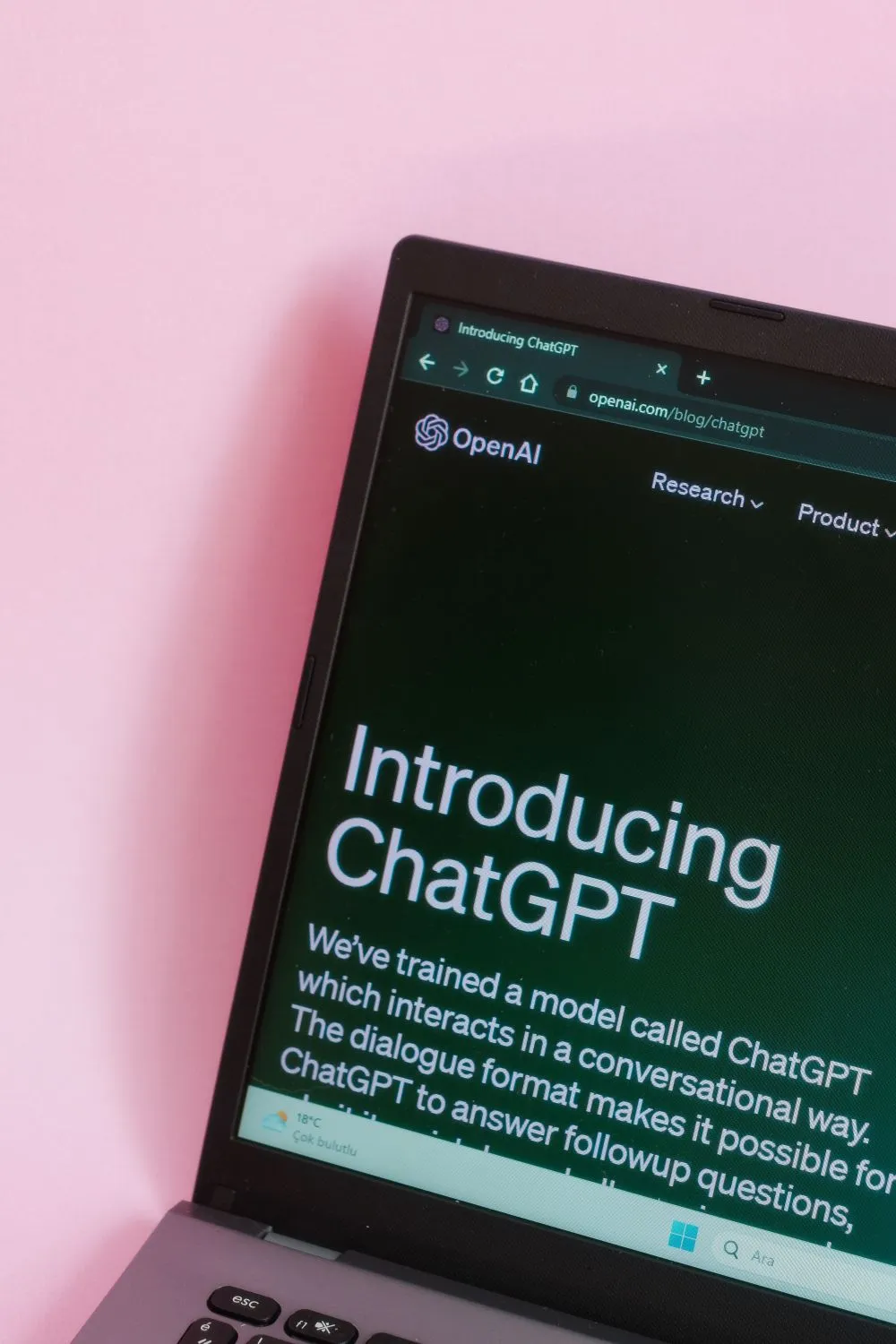
Artificial intelligence has changed the way content is created, and social media is no exception. From generating captions to drafting entire content calendars, tools like ChatGPT, Jasper, and Copy.ai have made it easier than ever to produce large volumes of content in a fraction of the time it used to take. And yet, for all the efficiency these tools offer, there is a very real and very common concern that gets raised again and again by business owners, marketers, and content creators alike: what happens to your voice when a machine starts doing the talking?
It is a fair concern. Your voice on social media is one of the most powerful things you own. It is what makes your audience stop scrolling, feel connected to you, and ultimately trust you enough to buy from you. If your content suddenly starts sounding like it was written by committee, or worse, like every other brand using the same AI prompts, you lose that connection fast. The good news is that knowing how to use AI tools to create social media content without losing your voice is entirely achievable. It simply requires the right approach, and a clear understanding of where AI fits into your workflow and where it does not.
Understand What AI Is Actually Good At
Before you start generating content, it is worth being clear about what these tools genuinely do well, and where their limitations lie. AI tools are exceptionally good at ideation, drafting, reformatting, and overcoming the blank page. They can take a rough concept and turn it into something structured. They can help you repurpose a long-form blog post into a series of social captions. They can generate ten different headline options in seconds so you can pick the one that feels right.
What they are not good at, at least not without your input, is sounding like you. AI models are trained on enormous volumes of text from across the internet. Left to their own devices, they produce content that is technically correct, often well structured, and entirely generic. The output tends to be polished in a bland sort of way, the kind of copy that could belong to almost anyone. That is the problem you are solving when you learn to use these tools properly.
Train the Tool Before You Trust It
One of the most effective things you can do before generating a single piece of content is to teach the AI about your voice. Most tools, including ChatGPT, allow you to provide context at the start of a conversation. Use this. Paste in examples of your best-performing posts, your bio, the way you typically open a caption, even the phrases you use most often. Tell the tool who your audience is, what tone you write in, and what topics you cover.
The more context you give, the more useful the output becomes. If you write in a conversational and direct style, say so. If you never use corporate jargon and always speak plainly, make that clear. If you have a specific sign-off or call to action that is recognisably yours, include it. Think of this as a brief you would give to a copywriter, because in many ways, that is exactly what you are doing.
You should also be consistent in how you approach this across sessions. If your AI tool does not retain memory between conversations, keep a saved prompt document that you can paste in at the start of each new session. It takes thirty seconds and makes a significant difference to the quality of the output.
Want more insights like this?
Join thousands of marketers getting weekly tips and strategies.
Use AI as a Starting Point, Not a Finishing Line
This is perhaps the most important shift in mindset you need to make. AI-generated content should be treated as a first draft, not a finished product. The tool gives you a foundation to work from. Your job is to read it, reshape it, and inject the personality, nuance, and authenticity that only you can bring.
Read the draft out loud. Does it sound like you? Are there phrases that feel stiff or overly formal? Are there moments where your natural wit or warmth should be coming through but is not? These are the places to edit. Sometimes this means changing a few words. Sometimes it means rewriting a whole section. But because you are starting with structure already in place, even a heavily edited AI draft still saves you time compared to starting from scratch.
Think of it this way. A sculptor does not value their work less because they started with a block of marble. The material just gives them something to work with. The artistry is still entirely theirs.
Build a Voice Guide You Can Share With the Tool
If you are serious about using AI consistently for your social media content, it is worth investing time in building a voice guide. This does not need to be a lengthy document, but it should cover the core elements of how you communicate.
Consider including things like the words and phrases you use regularly, the ones you actively avoid, your typical sentence length, how formal or casual your tone is, the kind of humour you use if any, and how you typically structure a post from opening hook through to call to action. Include a handful of real examples of content you are genuinely proud of, the posts that felt most authentically you and got the best response from your audience.
Once this guide exists, you can paste relevant sections into any AI tool session and immediately get outputs that are far closer to your natural style. It also becomes useful if you ever work with a human copywriter or social media manager, because you have already done the work of defining what your voice actually is.
Choose the Right Tool for the Right Job
Not every AI tool is built for the same purpose, and using the wrong one for a particular task can make your workflow harder rather than easier. Canva has built-in AI features that are brilliant for visual content and design prompts. ChatGPT is strong for long-form drafting, brainstorming, and reformatting. Metricool and similar scheduling platforms are increasingly building AI assistants directly into their content tools, making it easier to generate and publish in one place.
Understanding what each tool does best means you can use them in combination rather than relying on one to do everything. A well-chosen set of tools, used together with a clear workflow, will consistently outperform a single tool used for every task.
Keep the Human Moments Human
There are certain types of content that AI simply should not be generating for you. Personal stories, responses to news and trends as they happen, opinions on industry issues, behind-the-scenes moments from your business, and anything that requires genuine emotional nuance or lived experience should come directly from you. These are the posts that build real connection with your audience, and they cannot be replicated by a machine without it being obvious.
AI is a production tool. It helps you scale. But your audience does not follow you for volume, they follow you for you. Make sure that the human moments remain in your content strategy, and that you are not outsourcing the very things that make your brand worth following in the first place.
Review, Refine and Keep Improving Your Prompts
The quality of what an AI tool produces is directly tied to the quality of what you put into it. Learning how to write better prompts is a skill in its own right, and one that is worth developing if you plan to use these tools regularly. A vague prompt produces vague content. A specific, well-structured prompt that includes context, tone, audience, format, and goal produces something far more useful.
Keep a record of the prompts that produce the best results for you. Refine them over time as your understanding of the tools improves. If a particular prompt consistently delivers outputs that feel too generic, adjust it. Add more personality, more specificity, more examples of the kind of content you want. Treat prompt writing the same way you would treat any other craft skill: it improves with practice and attention.
Your Voice Is the Strategy
Knowing how to use AI tools to create social media content without losing your voice ultimately comes down to staying in control of the creative process. These tools are powerful, and the efficiency gains they offer are real and significant. But they work best when you are leading, not following. Your voice, your perspective, and your relationship with your audience are things no AI can replicate or replace. Use the technology to give yourself more time and more creative freedom, and then use that freedom to show up as authentically as you always have.
Ian
Ian has worked in Digital Marketing for decades, and is a Google Partner for Google Ads and an expert in onsite and technical SEO. He has worked with hundreds of clients, helping them achieve success online, through SEO, PPC and Digital Marketing, working with local businesses through to national retailers.
View all posts →Related Articles

How Facebook Can Drive Sales For Your Ecommerce Business
Facebook isn't just where your customers scroll through holiday photos and share memes. With over 2.9 billion active users globally, it's become one of the most powerful sales engines for ecommerce bu...

Best Platforms For Managing Social Media Advertising Campaigns
The best platforms for managing social media advertising campaigns don't just consolidate your workflow; they transform how you approach paid social strategy entirely.

The Content That Works Best For Your Business On Social Media
In the world of social media marketing, creating content that actually moves the needle for your business isn't about following every trend or copying what works for others.